

Features
Everything between value and proof.
Capture, log, document, export — five chapters that together create a stronger evidence base.
01
Inventory & capture
Build a structured evidence base — fast enough for daily use, thorough enough for later review.
Multiple safes & vaults
Bank safe deposit box, home safe, attorney storage — kept separate, with provider, address, vault number and photos.
Rich item data
Name, category, value, purchase date, serial number, description, your notes — all attached to the item.
Camera & library photos
Multiple photos per item — front, detail, serial, receipt — taken in-app or imported from Photos.
Receipts & document attachments
Invoices, appraisals, warranty cards as PDF or image — permanently attached to the item.
02
Activity history
No history, no proof — the app logs every step automatically.
Complete activity log
Deposits, removals, modifications, notes — chronological, immutable.
Stored / removed status
Every item is clearly marked as stored or checked out — visible at a glance.
Per-visit access logs
Notes and photos for each safe deposit visit — a perfect audit trail.
03
Reports & sharing
When proof matters, photos, receipts, and history can be bundled into a PDF in one tap.
PDF report per safe
Detailed report with photos, receipts, history and total value — useful as supporting evidence for insurers, notaries, or providers.
All-vaults master report
A single PDF covering every safe and every item — ideal for an estate folder.
Password-protect exports
Optionally set a password before export — the recipient needs it to open the PDF.
Share via iOS
Hand the PDF report to the iOS share sheet and choose the channel that fits the case.
04
Security & protection
A security architecture that leans on Apple, the Keychain, and your biometrics — no third-party servers.
Face ID / Touch ID
Biometric unlock on every launch. No PIN bypass, no "forgot password" path.
Background auto-lock
The app re-locks the moment it moves to the background.
Screenshot blur
Screen recording is detected; sensitive content is obscured during capture.
Apple platform protection
SwiftData, Keychain and iOS file protection keep your inventory inside Apple's security model.
05
Storage & sync
Local-first. iCloud Sync can be disabled during onboarding or in settings.
iCloud Sync — optional
Sync across your Apple devices via CloudKit when enabled.
No app tracking
No crash reporter, no analytics SDK, no advertising tracking in the app. The website only uses cookieless Umami Analytics.
Engineered in Germany
GDPR controller and developer based in Germany — your data stays inside Apple's infrastructure unless you export it.
What it looks like in the app
-
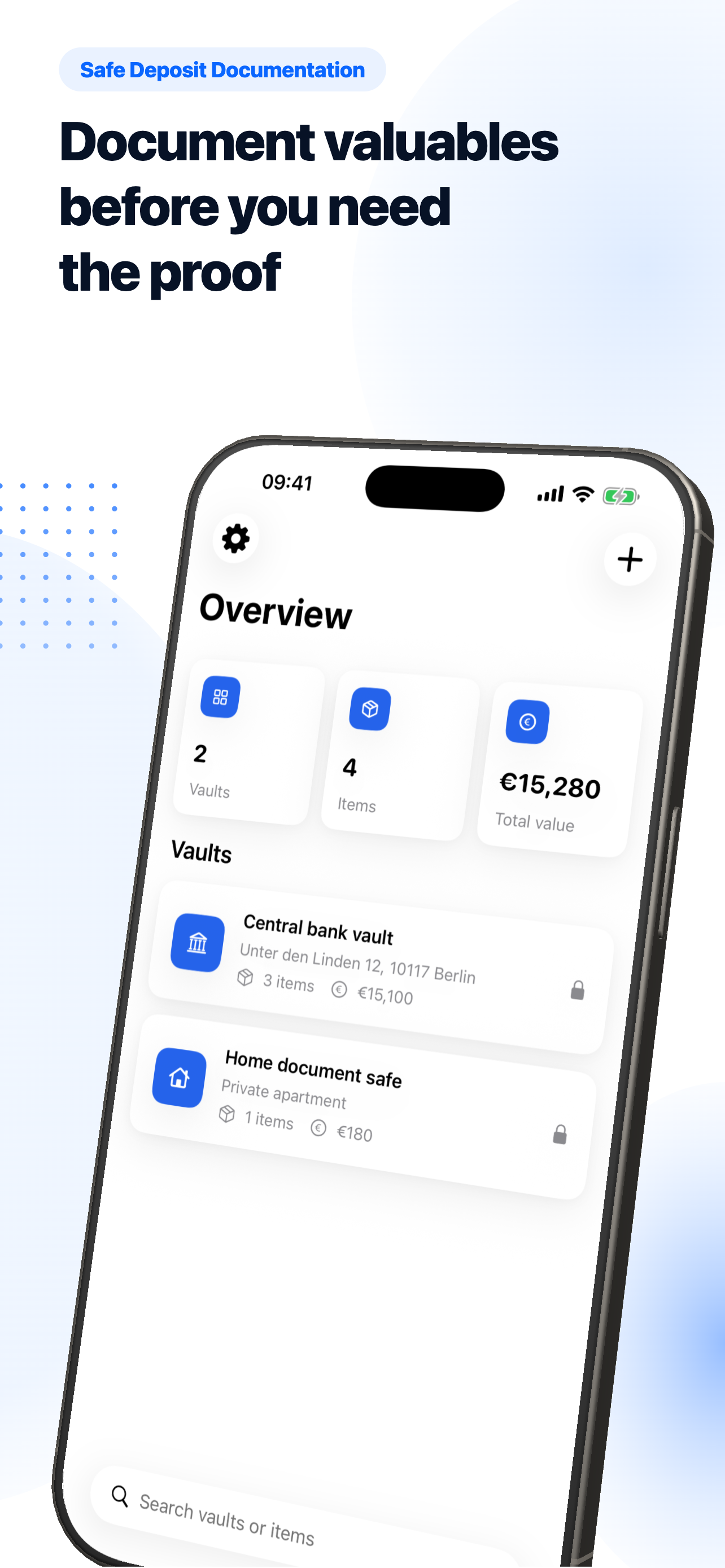
Manage every safe and vault in one place
-
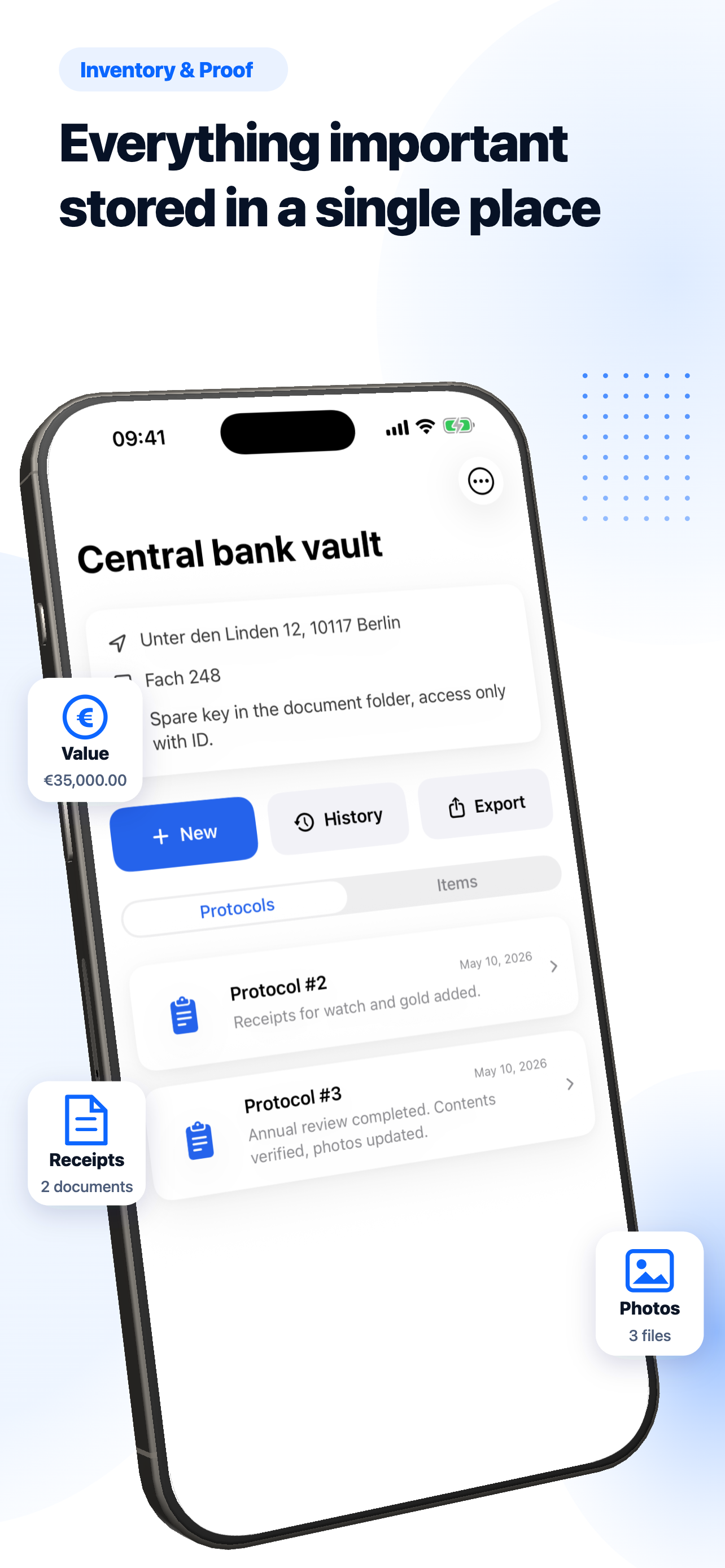
Inventory with photos and receipts
-
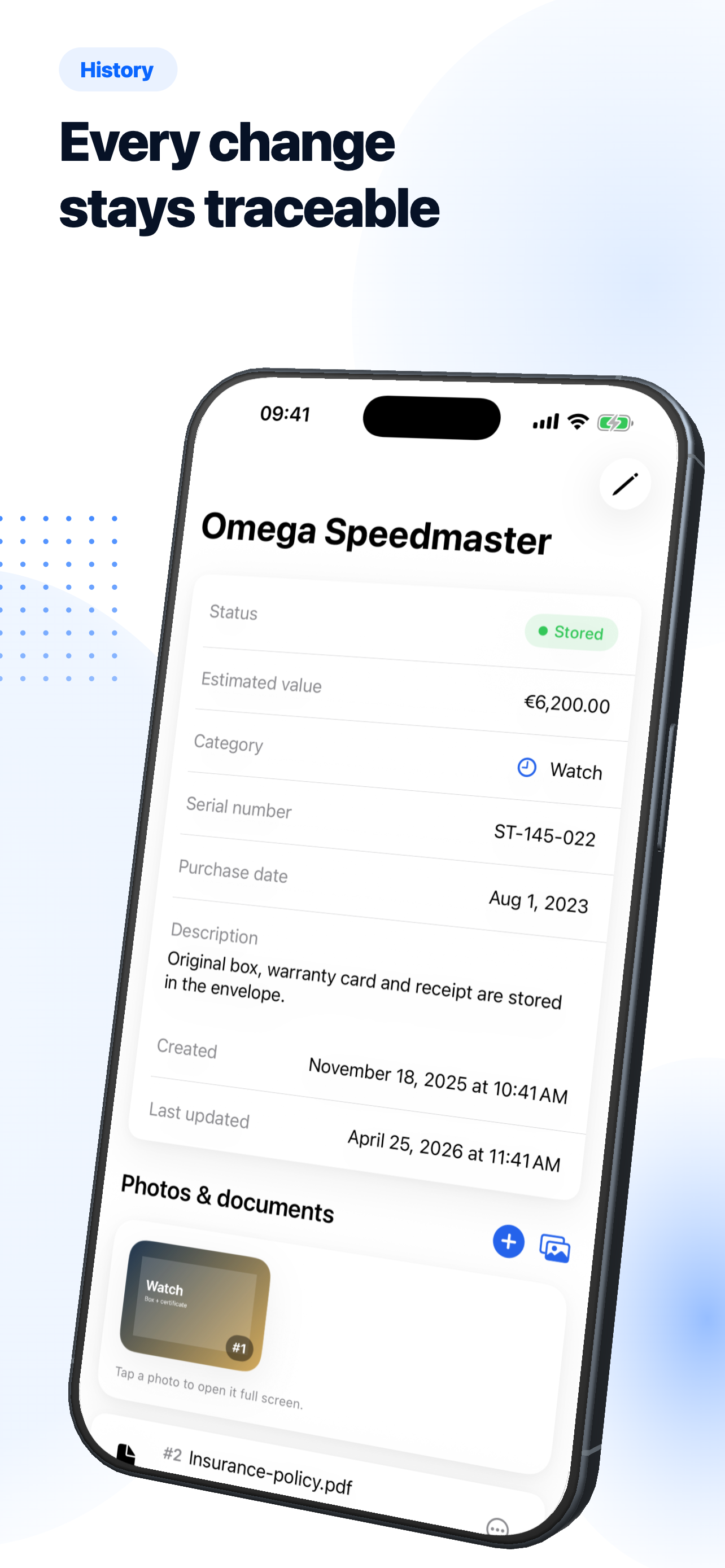
Complete activity history for every visit
-
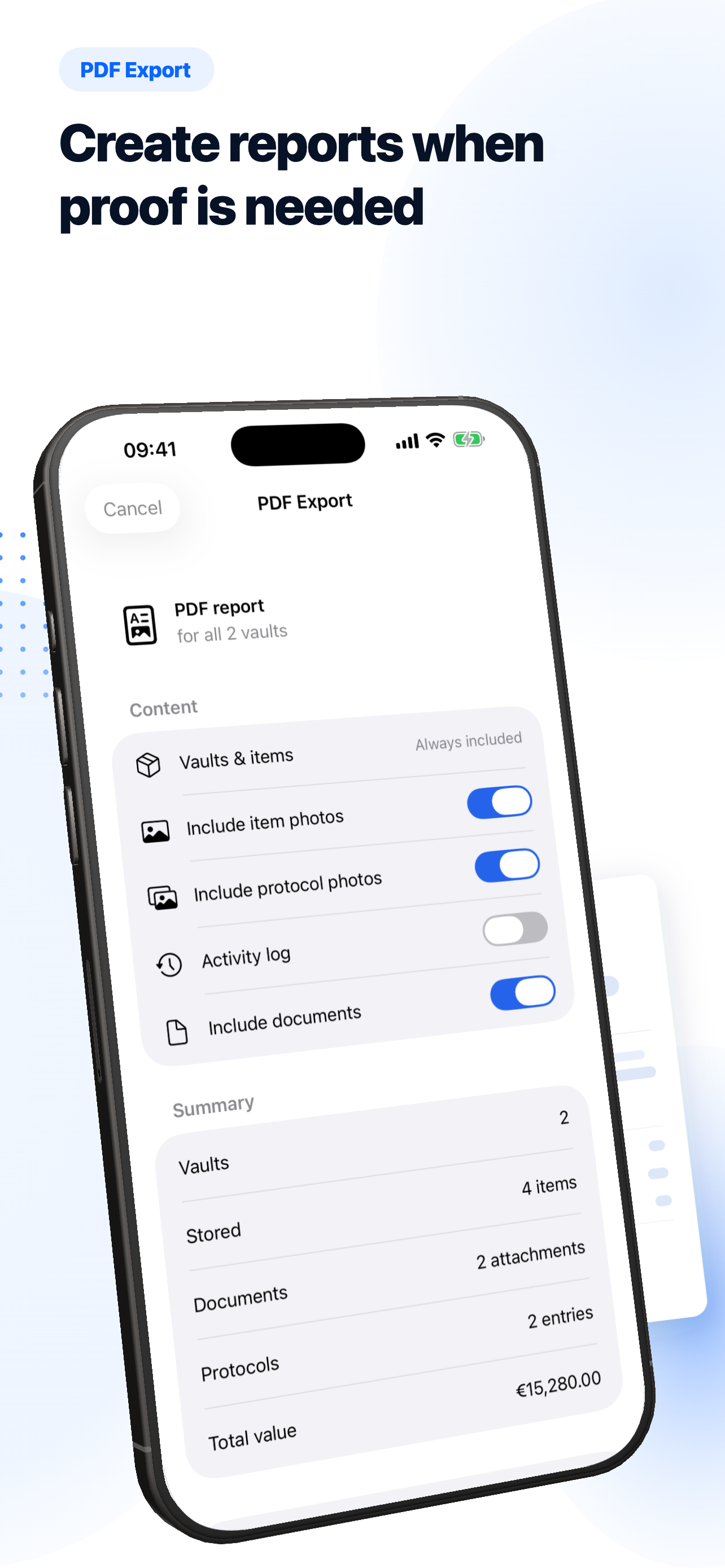
Export detailed PDF reports
-
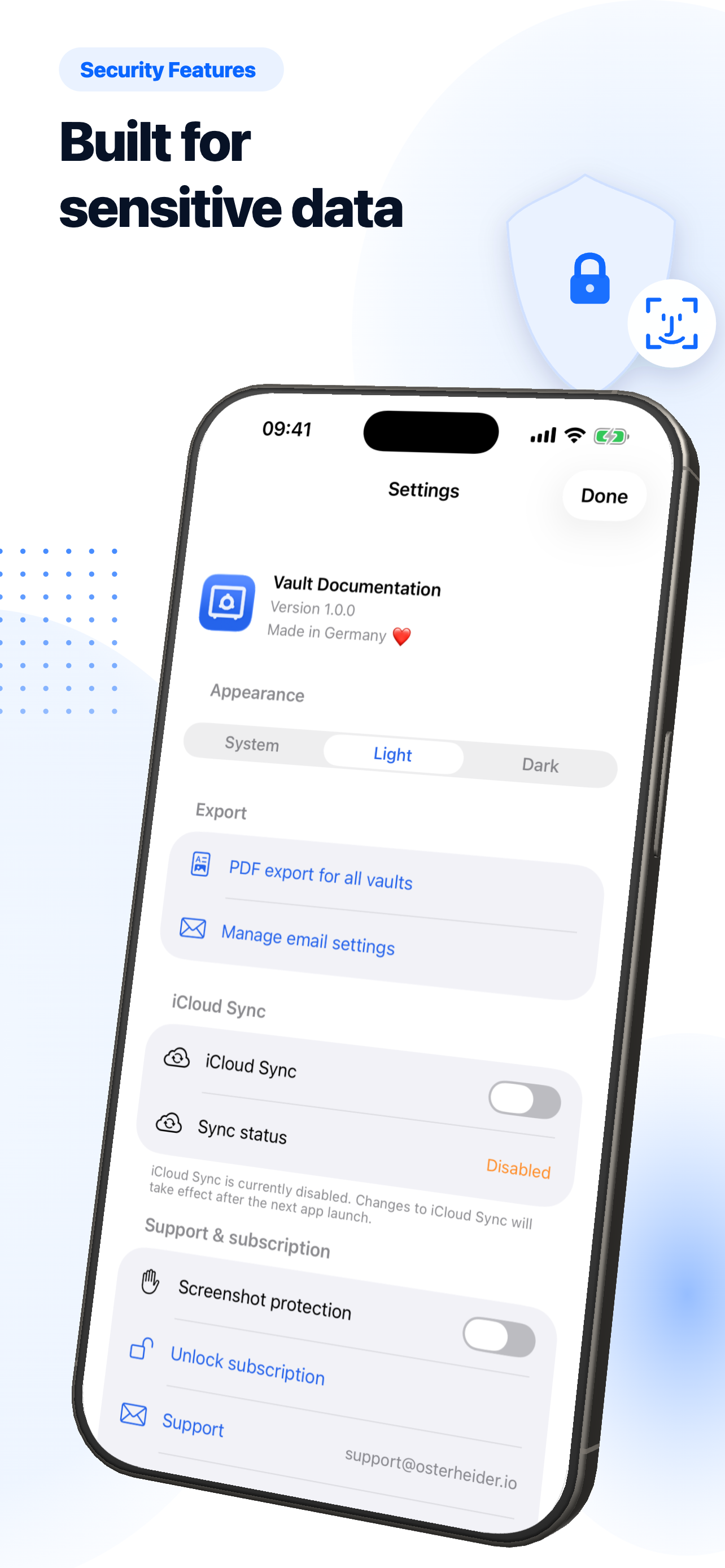
Face ID, auto-lock, screenshot blur


Frequently asked questions
Do I need a paid iCloud plan for the full feature set?
No. The app works entirely locally. iCloud Sync is optional and uses your existing iCloud storage.
Are photos exported at full resolution?
PDF exports include photos at a resolution optimised for legibility. Originals stay in the app.
Is the password-protected PDF really protected?
Yes. You set the password before export. The PDF only opens with that password — share the password through a separate channel.
What happens if I lose my iPhone?
Without Face ID / passcode, no one gets in. If iCloud Sync was on, your inventory is immediately available again on the next device.
Document what matters. Prove what you own.
Vault Documentation is free to use: full functionality, stored locally, optional iCloud Sync, with no ad tracking.